P5 guide logoP5Mate Pro Guide
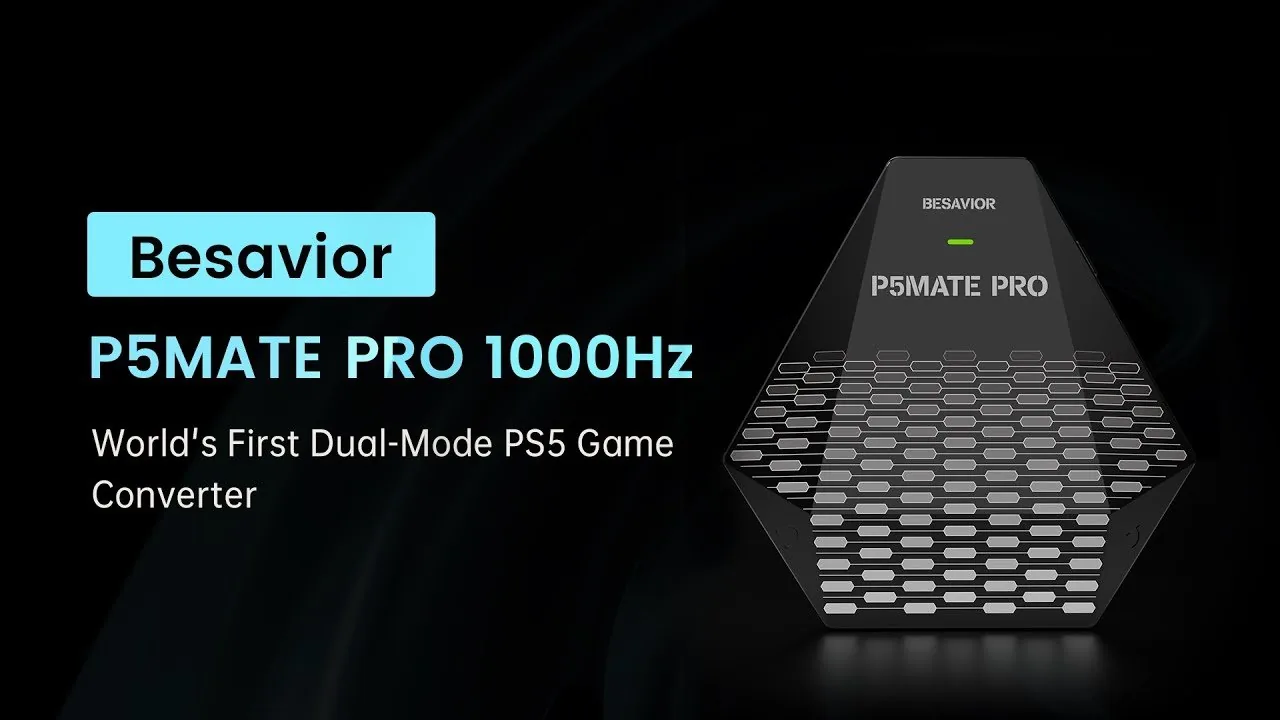
BESAVIOR P5MATE PRO · 1000HZ

Any controller.
Every PS5 game.

One adapter that lets Xbox, PS4 and Switch Pro controllers — or your XIM and Cronus — play PS5 natively.
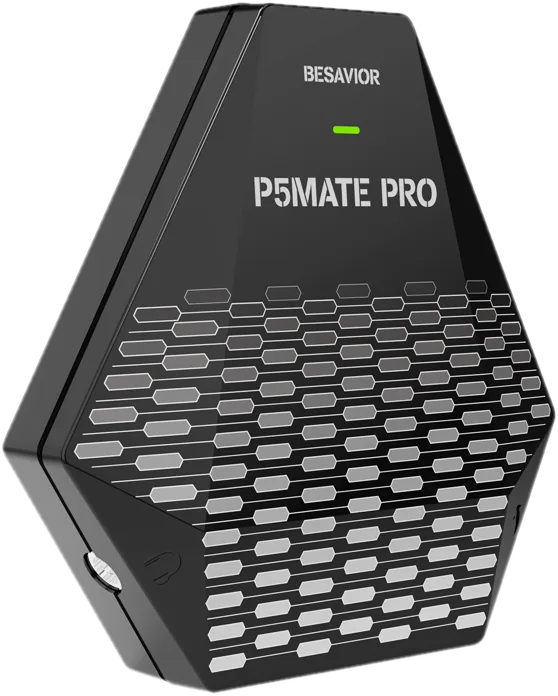
Buy at the official store
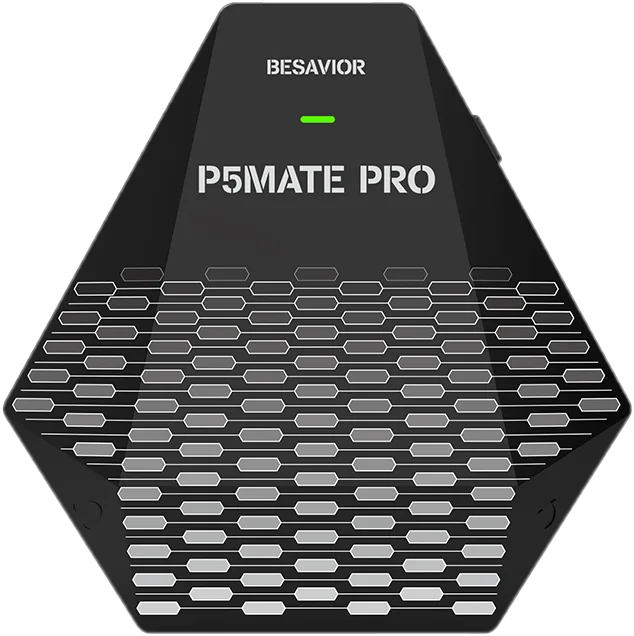
Besavior P5Mate Pro PS5 controller adapter
1000Hzpolling rate
~1msinput lag
BT 5.0wireless controllers
0Remote Play or software

Watch it in action.

Besavior P5Mate Pro video
P5Mate Pro pairing Bluetooth controllers to a PS5
01 · BLUETOOTH 5.0

Go wireless
with any pad.

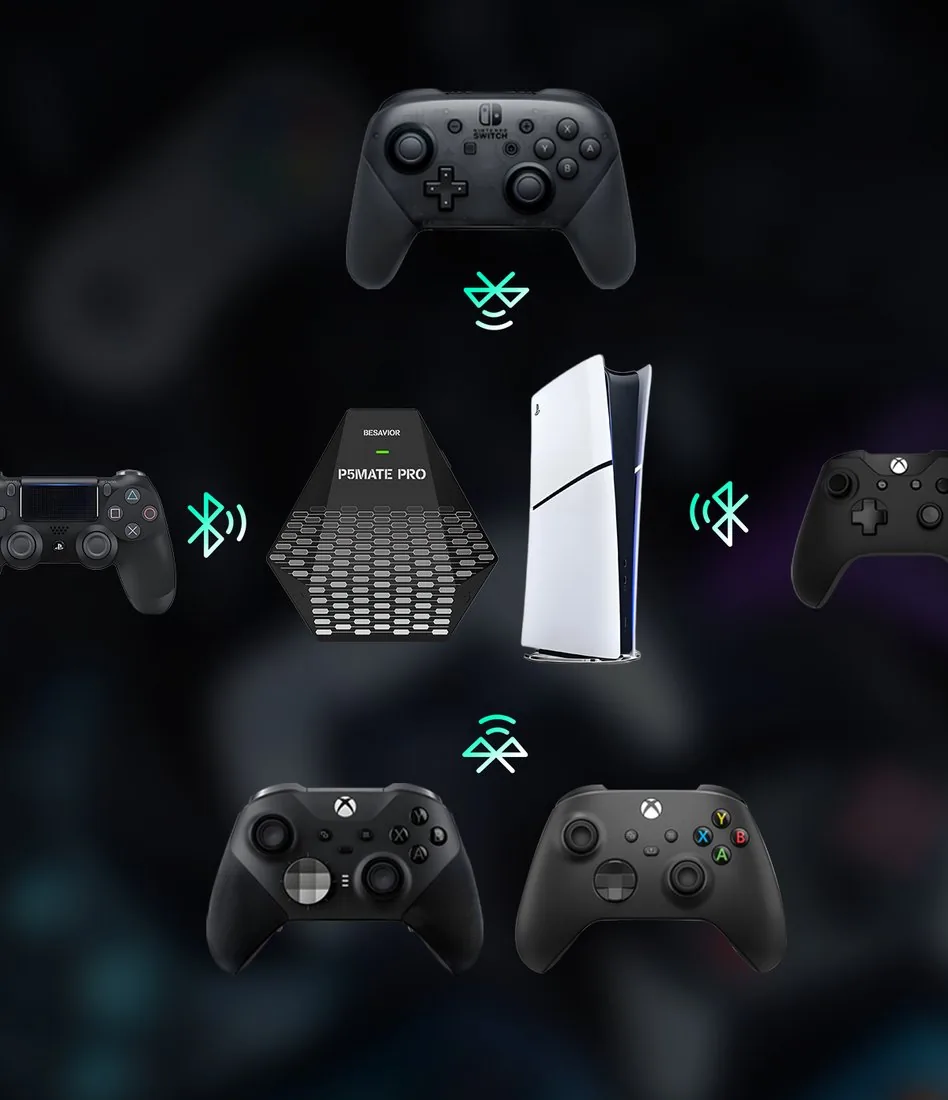
Built-in Bluetooth 5.0 with 10 m range and low latency. Pair your favorite controller, or plug it in — either way it plays every PS5 game.

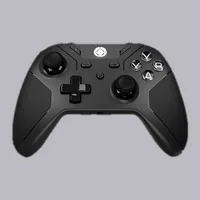
Xbox Series X|S Xbox Elite Series 2 DualShock 4 Switch Pro DualSense & Edge
02 · INPUT ADAPTERS

Bring your
XIM or Cronus.

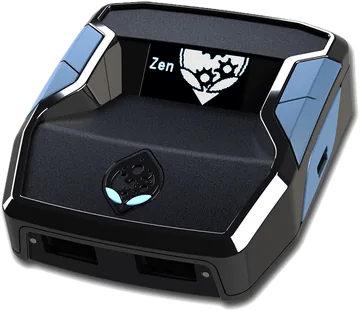
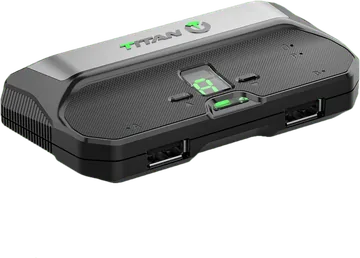
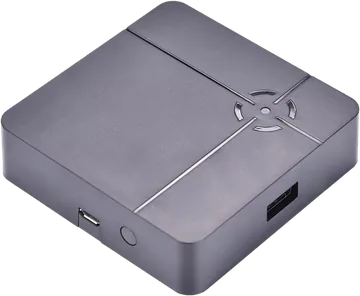
Plug your adapter into the P5Mate Pro and it plays PS5 games directly — built-in authentication, no original controller needed.
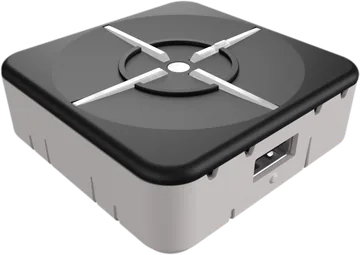
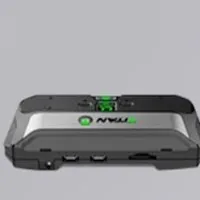
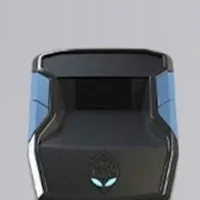
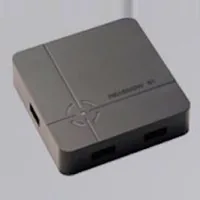
XIM Matrix · Apex · Nexus Cronus Zen Titan One · Two ReaSnow S1
XIM MATRIXXIM Matrix
Cronus ZenCronus Zen
Titan TwoTitan Two
ReaSnow S1ReaSnow S1
03 · MACRO-ASSIST

Every assist,
built in.

Mapping, turbo, combos, recoil control and auto loop — right inside the adapter.
8 assists · swipe or use the arrows
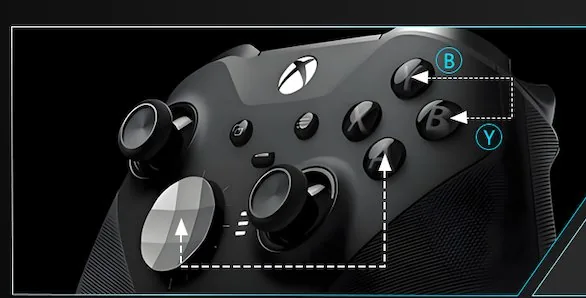
Button mapping on an Xbox controller with the P5Mate Pro
MAPPING

Button mapping

Move any button to where you want it.
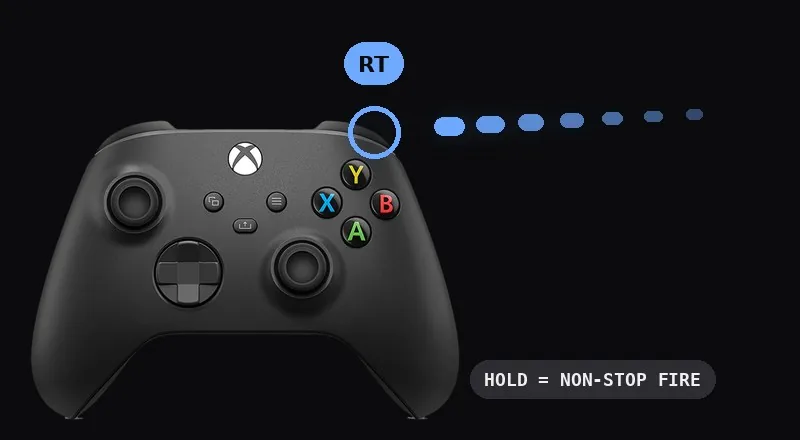
Holding RT on an Xbox controller fires on repeat
TURBO

Rapid fire

Hold a button and it fires on repeat.
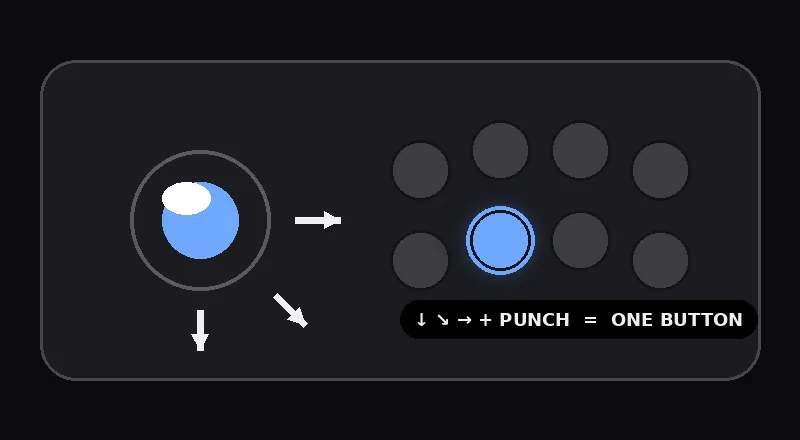
A fighting-game combo mapped to one button
COMBO

One-press combos

Chain inputs into a single button for instant high-damage combos.
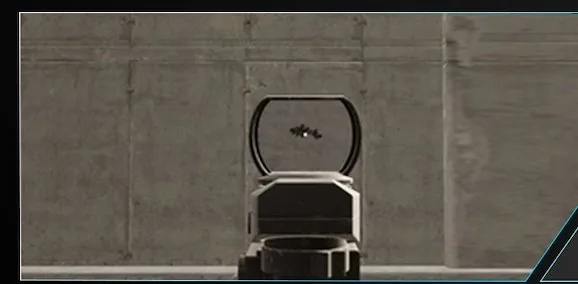
Aiming down a red-dot sight with recoil reduction
RECOIL

Reduce recoil

Fine-tune your aim so shots stay on target.
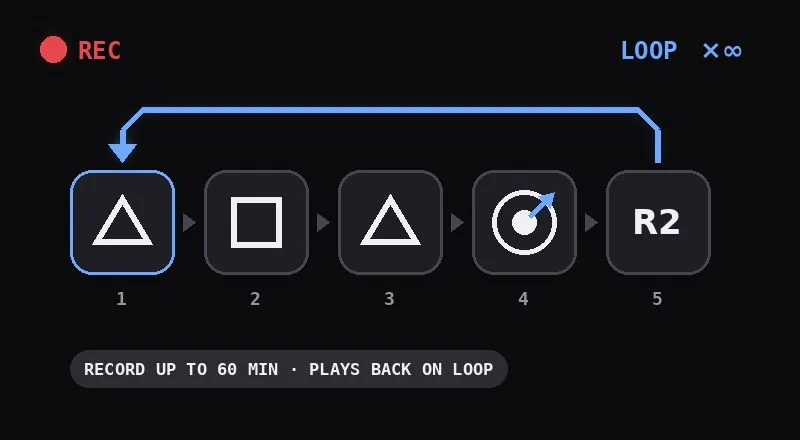
A recorded input sequence looping with the P5Mate Pro
AUTO LOOP

Record & loop

Record up to 60 minutes of inputs and loop them — hands-free farming.
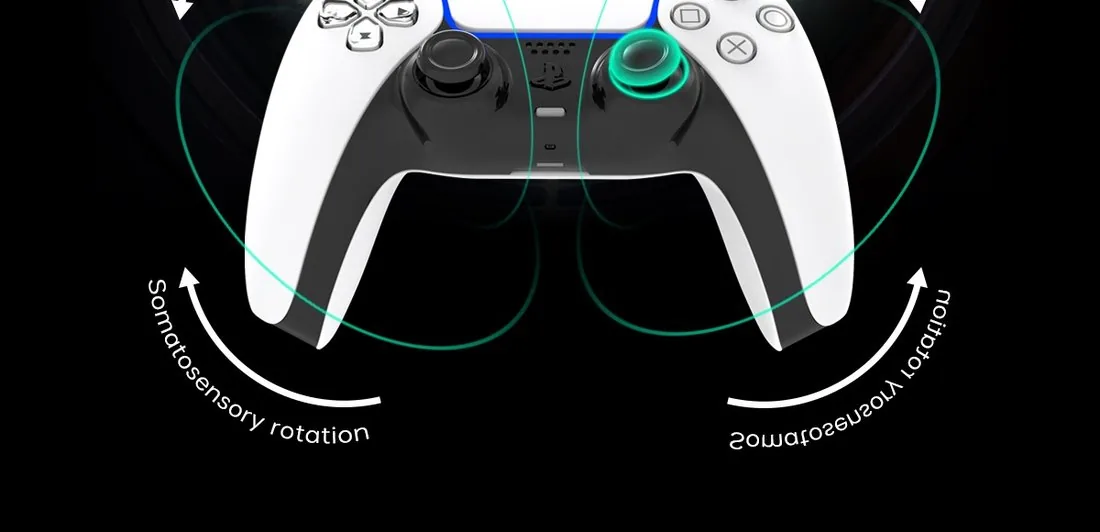
Motion aiming by tilting the controller
MOTION

Motion aiming

Aim by tilting the controller alongside the sticks.
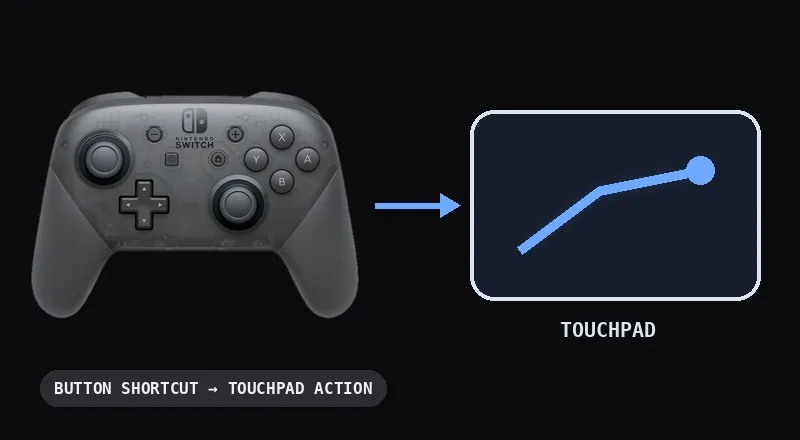
A Switch Pro controller triggering a PS5 touchpad swipe
TOUCHPAD

Touchpad on any pad

Trigger touchpad actions from Xbox or Switch Pro pads with a button shortcut.
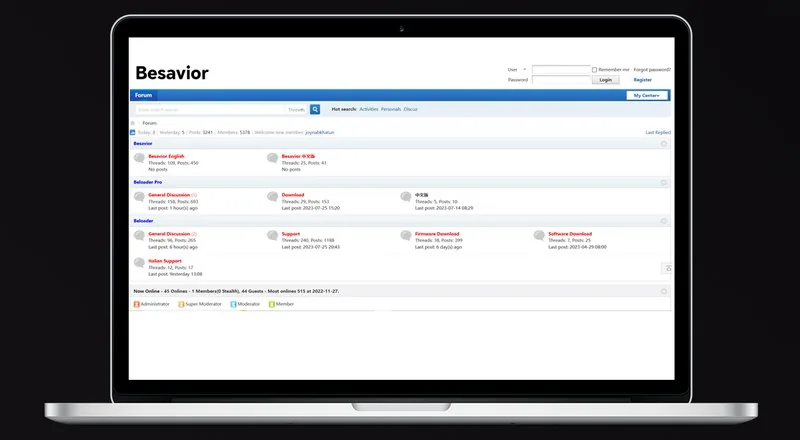
The official Besavior forum on a laptop
COMMUNITY

Free macro sharing

Grab free scripts and get help on the official Besavior forum.
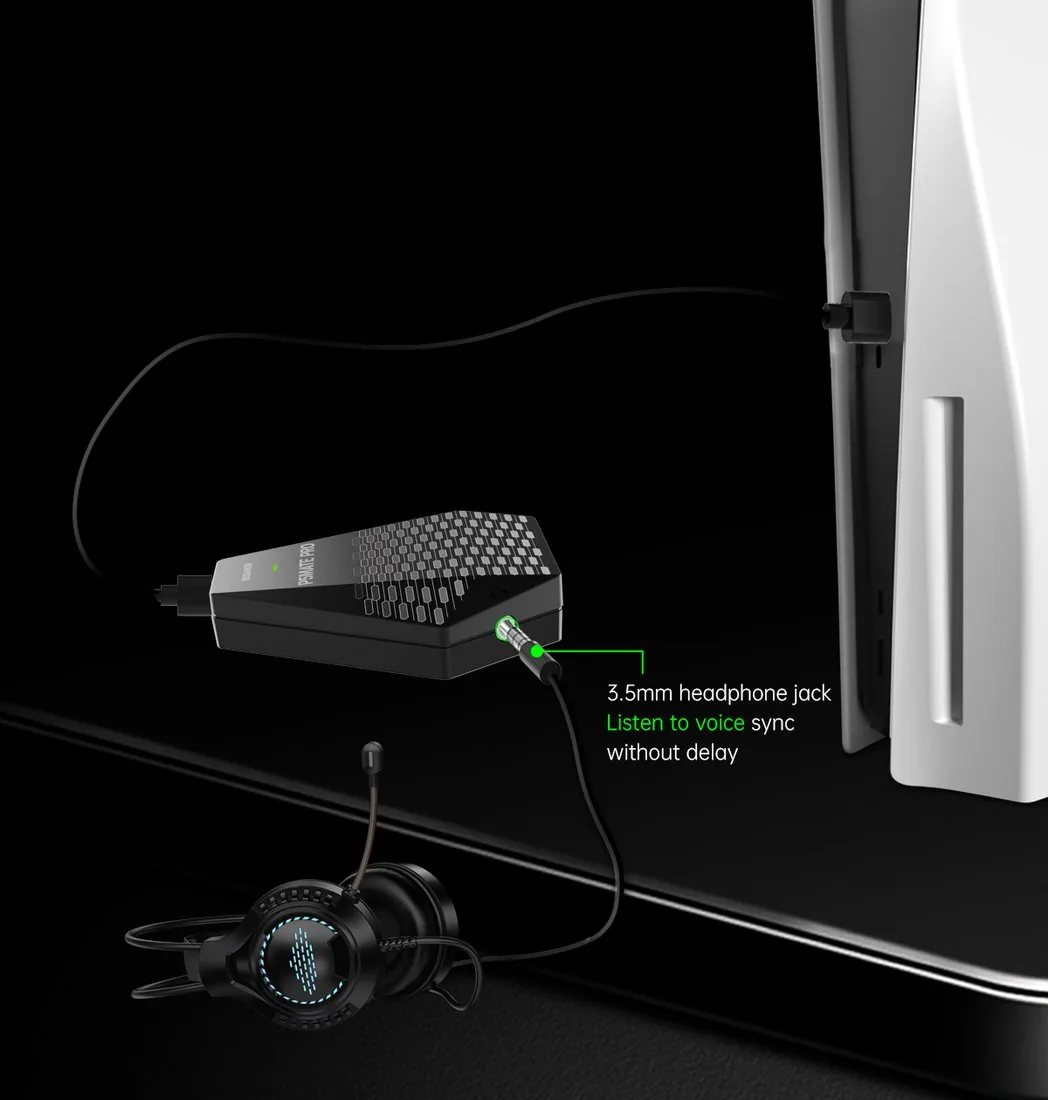
P5Mate Pro plugged into a PS5 with a wired headset
04 · AUDIO + POWER

Keep your
headset on.

Plug a wired headset into the 3.5mm jack for game sound without delay and clear team chat. A USB-C port adds extra power when you need it.

3.5mmheadset jack
USB-Cextra power port
05 · PLUG AND PLAY

Plug it in.
That's the setup.

A direct USB connection with a genuine 1000Hz, ~1ms link — no Remote Play, no software, no 8-minute timeout.
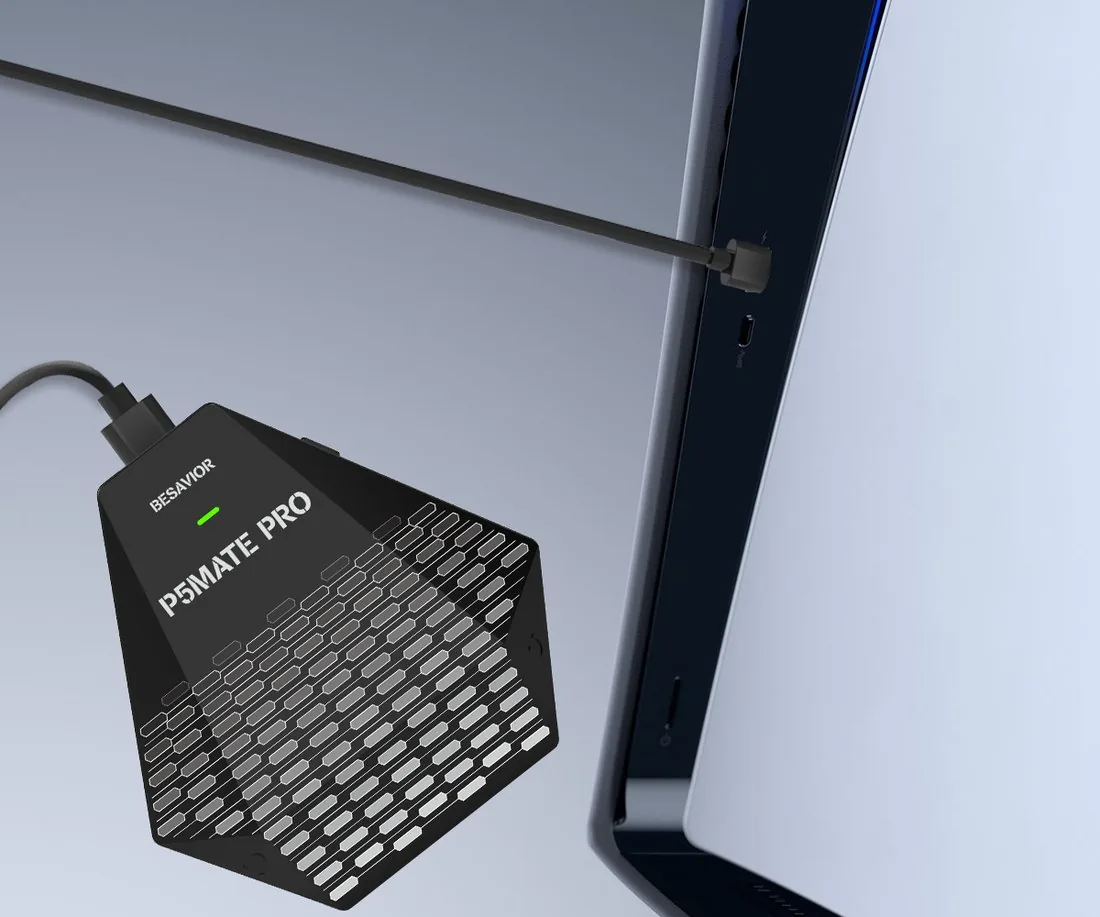
1000Hzboth directions
USB directPS5, Slim & Pro
P5Mate Pro plugged into a PS5

Set up in three steps.

1Plug it into your PS5.Any USB port. On a PS5 Slim, use a rear port for full power.
2Connect your controller.Cable into the adapter's USB port, or pair over Bluetooth.
3Turn on Wired Communication.One setting on the PS5 — then play any game.

Good to know.

Besavior P5Mate Pro PS5 adapter, front
Which gamepads & devices work?
Controllers
PlayStation controller
PlayStationDualSense, DualSense Edge, DualShock 4 — USB or Bluetooth
Xbox controller
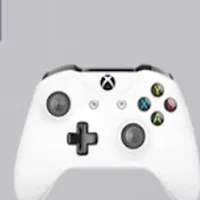
XboxSeries X|S & Elite Series 2 — USB or Bluetooth. Xbox One & original Elite — USB. Adaptive Controller
Nintendo Switch Pro controller
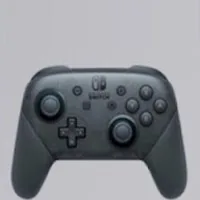
Nintendo Switch ProUSB or Bluetooth
Fight sticks & racing
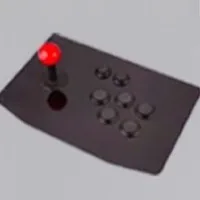
Fight stick
Fight sticks & hitboxesArcade sticks and leverless controllers over USB
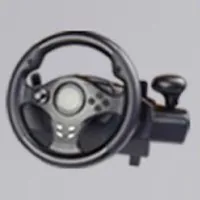
USB steering wheel
USB steering wheelsWired over USB
Input adapters
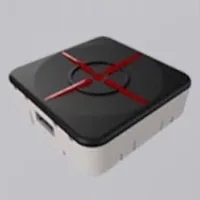
XIM MATRIX
XIM MATRIXMulti-input adapter
XIM APEX
XIM APEXMouse & keyboard adapter
XIM NEXUS
XIM NEXUSSmart controller — USB
Titan Two
Titan Two · Titan OneUniversal adapters
Cronus Zen
Cronus ZenController adapter
ReaSnow S1
ReaSnow S1Mouse & keyboard adapter

Off-brand gamepads aren't supported. Rumble and haptic triggers work only with DualSense and DualSense Edge.

Rumble & haptics

Rumble and haptic triggers work only with DualSense controllers.

No Remote Play, no 8-minute cutoff

It plugs straight into your PS5, so there are no timeouts — play for as long as you like, with no PC or phone in the middle.

In the box

P5Mate Pro adapter, two USB-C to USB-A cables and a USB-C to USB-A adapter.

Play your way on PS5.

Available now at the official Besavior store
Buy P5Mate Pro

More from Besavior.

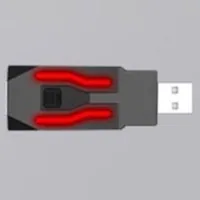
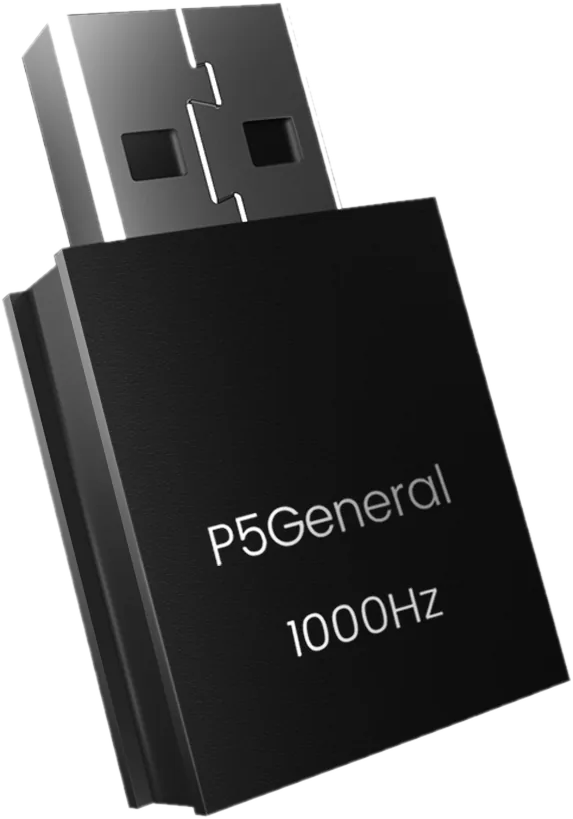
Besavior P5General USB activator
P5GeneralMake your XIM or Titan Two PS5-ready at 1000Hz.Visit p5general.com →
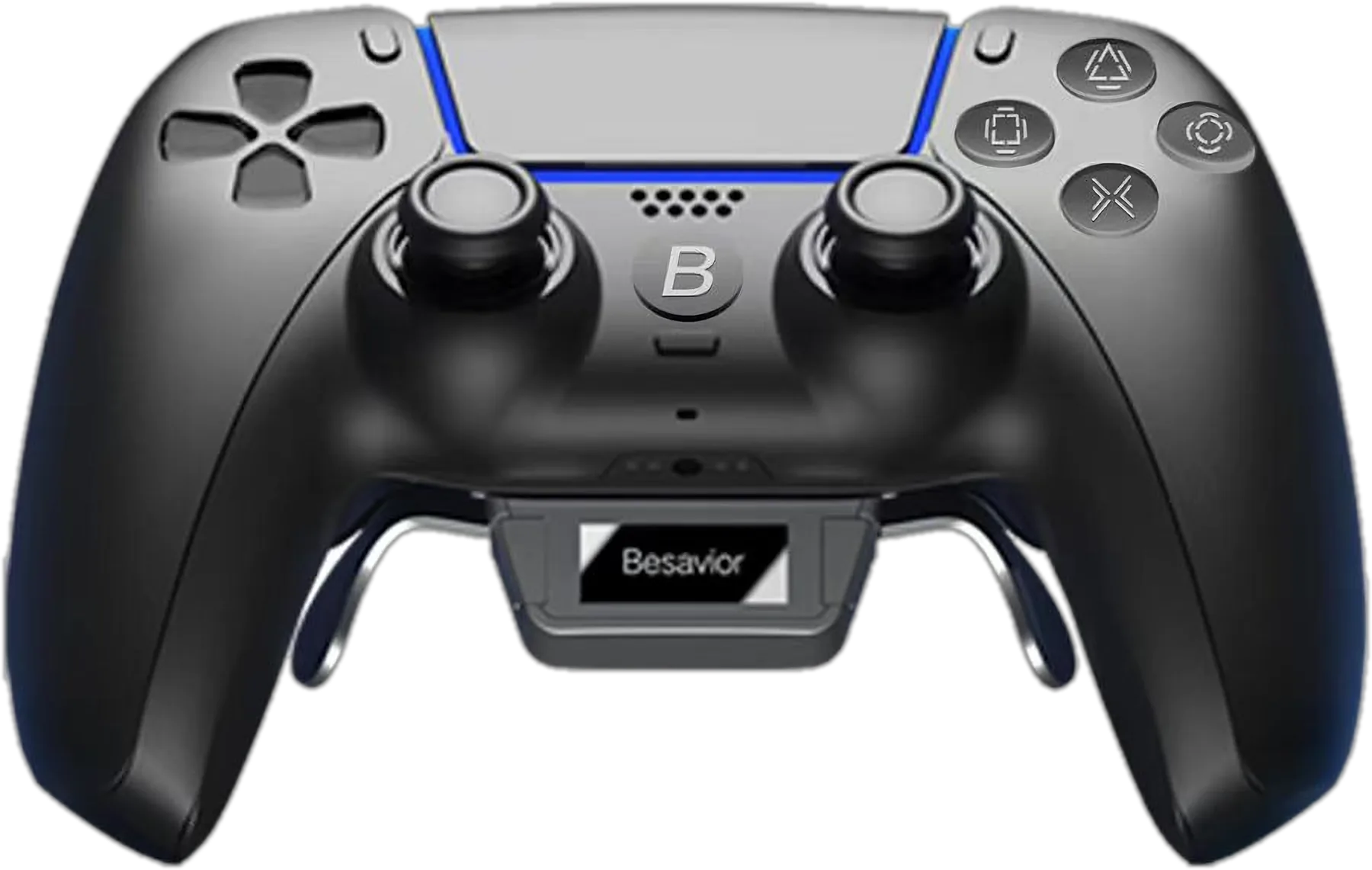
Besavior Elite Controller for PS5
Elite ControllerBack paddles, turbo, macros & OLED in a DualSense.Visit besaviorcontroller.com →
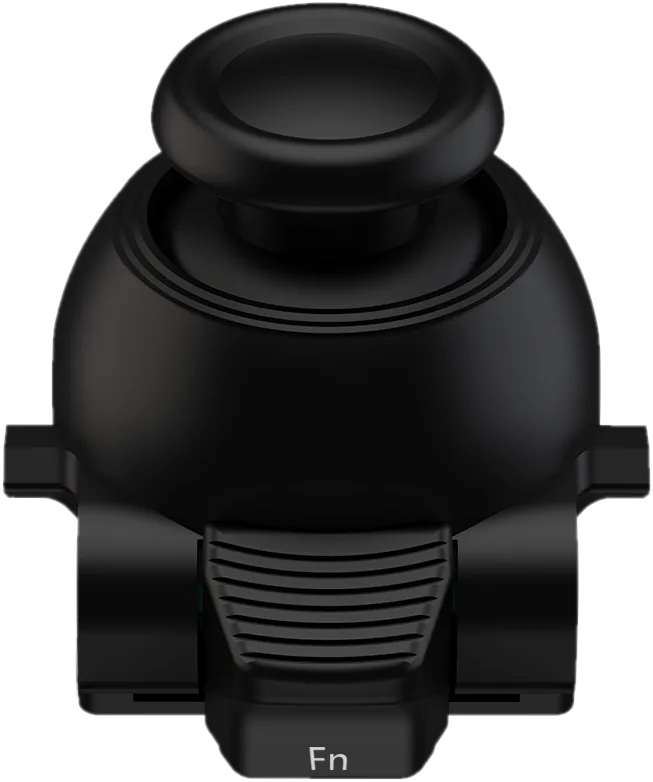
Besavior Edge Stick module for DualSense Edge
Edge StickThe complete stick upgrade for your DualSense Edge.Visit besavioredgestick.com →
P5 guide logoP5Mate Pro GuideBuy
Besavior P5Mate Pro · 1000Hz

Any controller.
Every PS5 game.

One adapter that lets Xbox, PS4 and Switch Pro controllers — or your XIM and Cronus — play PS5 natively.

Besavior P5Mate Pro PS5 controller adapter
Buy P5Mate Pro
1000Hzpolling rate
~1msinput lag
BT 5.0wireless controllers
0Remote Play or software

Watch it in action.

Besavior P5Mate Pro video
P5Mate Pro pairing Bluetooth controllers to a PS501 · Bluetooth 5.0

Go wireless with any pad.

Bluetooth 5.0 with 10 m range. Pair your favorite controller, or plug it in — either way it plays every PS5 game.

Xbox Series X|SXbox Elite 2DualShock 4Switch ProDualSense & Edge
02 · Input adapters

Bring your XIM or Cronus.

Built-in authentication — plug your adapter in and play PS5 games directly.

XIM MATRIXXIM Matrix
Cronus ZenCronus Zen
Titan TwoTitan Two
ReaSnow S1ReaSnow S1
03 · Macro-assist

Every assist, built in.

8 assists · swipe for more →
Button mapping on an Xbox controller with the P5Mate Pro
Mapping

Button mapping

Move any button to where you want it.

Holding RT on an Xbox controller fires on repeat
Turbo

Rapid fire

Hold a button and it fires on repeat.

A fighting-game combo mapped to one button
Combo

One-press combos

Chain inputs into a single button.

Aiming down a red-dot sight with recoil reduction
Recoil

Reduce recoil

Fine-tune your aim so shots stay on target.

A recorded input sequence looping with the P5Mate Pro
Auto loop

Record & loop

Record up to 60 minutes of inputs and loop them.

Motion aiming by tilting the controller
Motion

Motion aiming

Aim by tilting the controller alongside the sticks.

A Switch Pro controller triggering a PS5 touchpad swipe
Touchpad

Touchpad on any pad

Trigger touchpad actions from Xbox or Switch Pro pads.

The official Besavior forum on a laptop
Community

Free macro sharing

Free scripts and help on the official forum.

P5Mate Pro plugged into a PS5 with a wired headset04 · Audio + power

Keep your headset on.

3.5mm jack for game sound and clear team chat. A USB-C port adds extra power when you need it.

P5Mate Pro plugged into a PS505 · Plug and play

Plug it in. That's the setup.

Direct USB with a genuine 1000Hz, ~1ms link — no Remote Play, no software, no 8-minute timeout.

Good to know.

Which gamepads & devices work?

Controllers
PlayStation controller
PlayStationDualSense, DualSense Edge, DualShock 4 — USB or Bluetooth
Xbox controller
XboxSeries X|S & Elite Series 2 — USB or Bluetooth. Xbox One & original Elite — USB. Adaptive Controller
Nintendo Switch Pro controller
Nintendo Switch ProUSB or Bluetooth
Fight sticks & racing
Fight stick
Fight sticks & hitboxesArcade sticks and leverless controllers over USB
USB steering wheel
USB steering wheelsWired over USB
Input adapters
XIM MATRIX
XIM MATRIXMulti-input adapter
XIM APEX
XIM APEXMouse & keyboard adapter
XIM NEXUS
XIM NEXUSSmart controller — USB
Titan Two
Titan Two · Titan OneUniversal adapters
Cronus Zen
Cronus ZenController adapter
ReaSnow S1
ReaSnow S1Mouse & keyboard adapter

Off-brand gamepads aren't supported. Rumble and haptic triggers work only with DualSense and DualSense Edge.

Rumble & haptics

Rumble and haptic triggers work only with DualSense controllers.

No Remote Play, no 8-minute cutoff

It plugs straight into your PS5, so there are no timeouts — play for as long as you like, with no PC or phone in the middle.

Setup

Plug it into your PS5 (a rear port on PS5 Slim), connect your controller, then turn on Wired Communication.

In the box

P5Mate Pro adapter, two USB-C to USB-A cables and a USB-C to USB-A adapter.
Play your way on PS5.

Available now at the official Besavior storeBuy P5Mate Pro

More from Besavior.

Besavior P5General USB activator
P5GeneralMake your XIM or Titan Two PS5-ready at 1000Hz.Visit p5general.com →
Besavior Elite Controller for PS5
Elite ControllerBack paddles, turbo, macros & OLED in a DualSense.Visit besaviorcontroller.com →
Besavior Edge Stick module for DualSense Edge
Edge StickThe complete stick upgrade for your DualSense Edge.Visit besavioredgestick.com →